For creators
Create with Korean brands.
Discover beauty and food collaborations. Build your profile, check campaign requirements and apply for opportunities that fit your content.
View campaigns and joinFree to join. Opportunities and selection depend on each campaign.
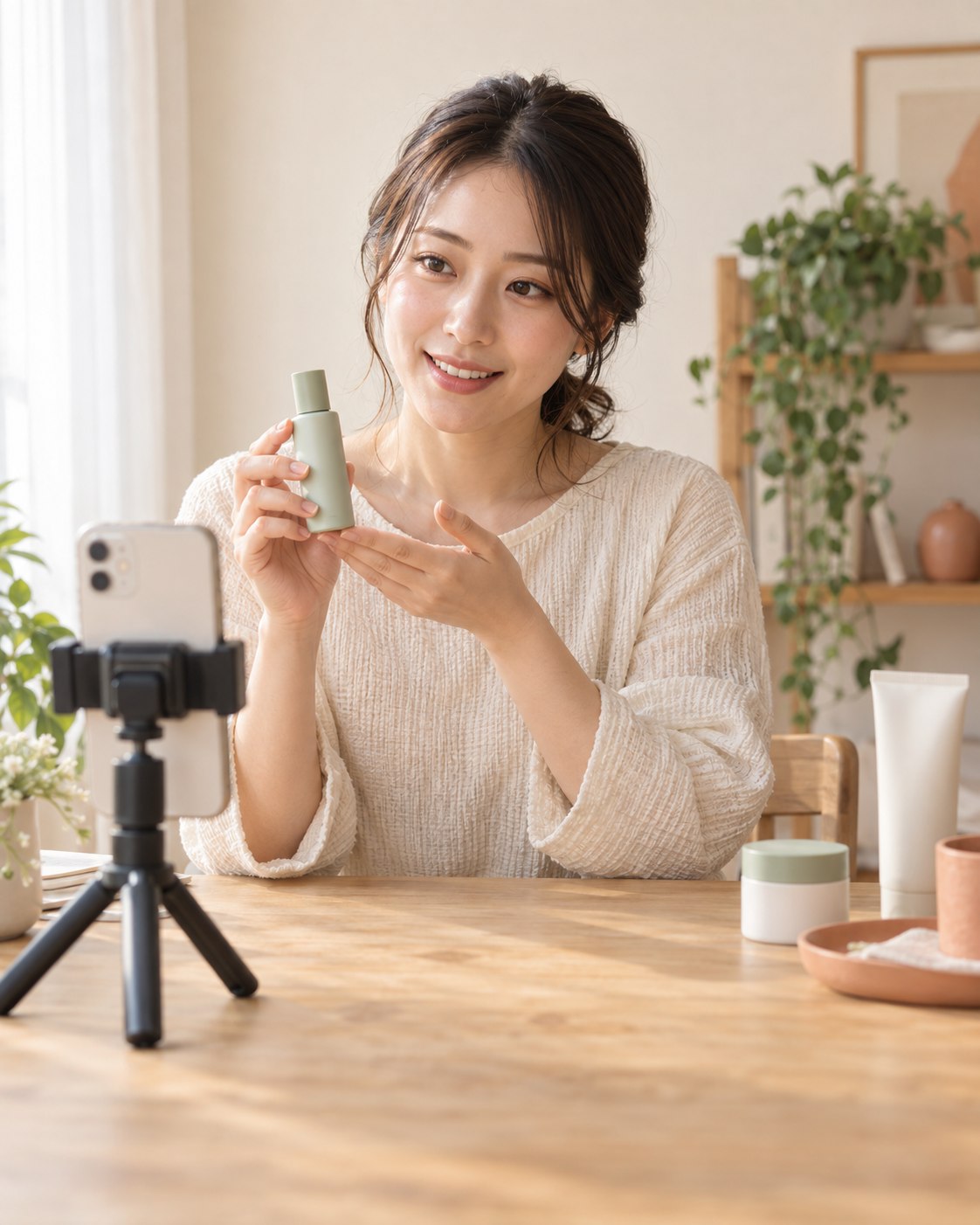
From your profile to your next collaboration
Create your profile
Sign in with Google and add your country, at least one social profile and contact details. Recent content links are optional.
Choose a campaign
Review the market, content requirements, schedule and reward type. Apply only when the conditions work for you.
Create, submit and track
If selected, follow the agreed brief. Submit your content, check feedback and follow your reward status in your workspace.
Know the reward before you apply
Campaigns may offer one or more of these rewards. Check the terms before accepting a collaboration.
- Content fee
- Payment for agreed content, subject to the campaign requirements and review. The amount and payment method are stated in the terms.
- Product provided
- A product to try or feature. A product-only campaign does not include a cash payment unless stated separately.
- Sales commission
- Earnings linked to qualifying sales under the campaign terms. Commission is not a guaranteed content fee.
Creator help
Find your next step, or contact the team when you need help with your account or collaboration.
I cannot sign in with Google.
Use the same Google account you registered with. If the sign-in window does not open, allow pop-ups or try your regular browser instead of an in-app browser. Check your connection and retry. If the problem continues, tell the team which screen and error you see.
How do I finish or update my profile?
Open Profile in your workspace. Complete the required fields and add at least one social profile: a TikTok username, an Instagram profile link or another public social profile URL. Recent content links are optional. Save your profile for team review. Your contact details are kept separately from your public profile. A saved profile does not guarantee selection for a campaign.
Where do I check my content and feedback?
Open Applications & progress in your workspace to check your application, submitted content and current status. Read the campaign instructions and any feedback from the team before sending an updated link. Keep a copy of your work; do not assume an unsaved form is stored.
Why can I not withdraw yet?
Open Points & withdrawals to check available points, the current withdrawal conditions, payout account and request status. Pending rewards are not available points. If a request needs attention or a payment is delayed, contact the team with the request reference and status shown in your wallet.
Need help from the team?
Email or open the existing support chat. Include the relevant campaign or withdrawal reference and a short description. Do not share passwords or verification codes. Your message is sent only when you send it in your email or chat app.